Google Business Profile
Review locations, customer feedback and draft replies from a connected Business Profile. Publishing and API access depend on the location owner's permissions and Google approval.
Clinic operations · Patient conversations · Growth insights
Bring appointments, reception, patient follow-up and connected marketing channels into one place. Your team stays in control while DentaSK helps them respond, organize and measure what matters.
For independent clinics, owned branches and franchise networks · Built in India

Start with the clinic workflow, then connect the channels and automations your business is approved to use.
Review locations, customer feedback and draft replies from a connected Business Profile. Publishing and API access depend on the location owner's permissions and Google approval.

Bring supported conversations into a shared inbox, identify new enquiries and hand them to reception. Automated replies depend on channel permissions and your configured rules.

View connected campaign data, budgets and lead performance together. Your authorized team reviews publishing decisions and remains responsible for account access and spend.
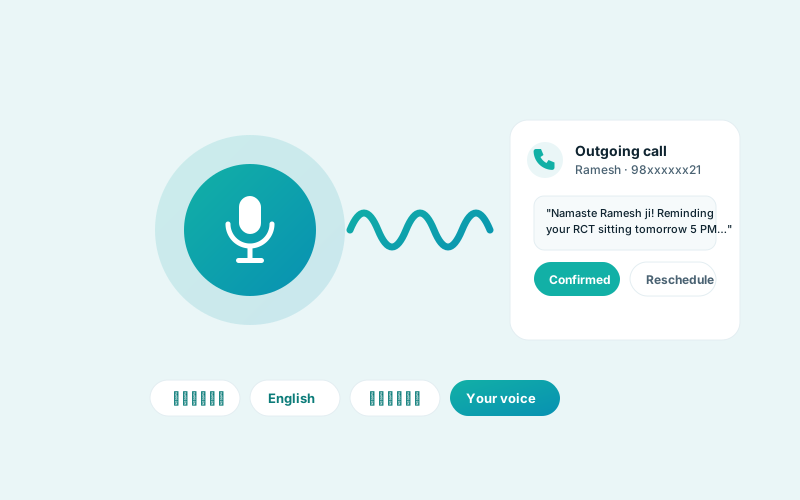
Optional voice workflows can support calls and reminders where your clinic has configured a provider, notices and consent. Reception can always take over.
Explore forward-looking estimates alongside actual appointments and collections, with assumptions visible to your team.
Use patient and appointment context to prioritize appropriate follow-up. Clinical decisions remain with qualified staff.
Compare the sources you track—such as forms, social enquiries and referrals—with conversion and spend data when those accounts are connected.
Plan campaigns and seasonal content in advance, review drafts, and publish through channels your clinic has authorized.
Designed for the whole clinic
The right people see the right work. Images below are illustrative and do not depict DentaSK customers or actual patient records.

Reception can manage enquiries and schedules while owners review activity and assign access to the team.

Track incoming leads and pending appointments, then let reception confirm details through the clinic's approved channels.

Compare branches and franchises in a shared view while preserving the permissions assigned to each workspace.
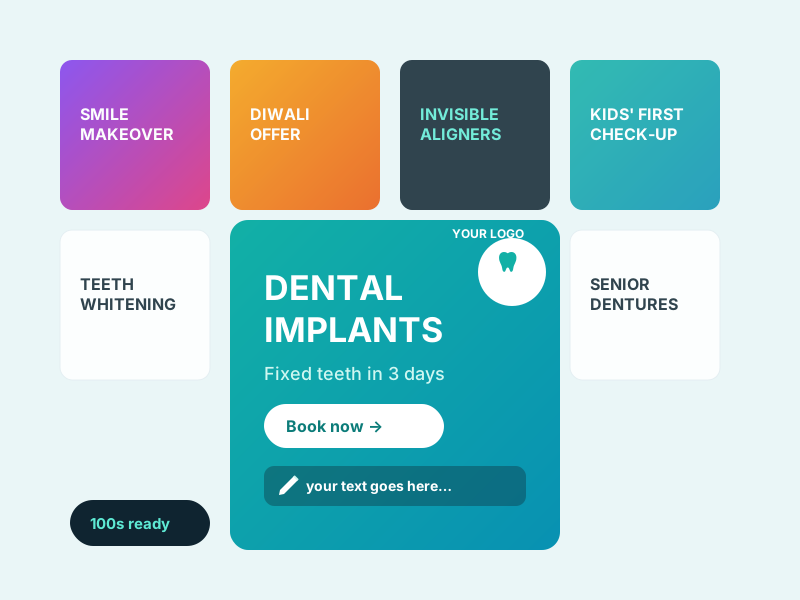
Keep campaign ideas, brand assets and draft content together. Review wording, budgets and the destination account before anything goes live.
Create the clinic, branch or franchise structure and invite only the staff who need access.
An authorized owner links the relevant Meta, Google or WhatsApp assets. Availability depends on their access and provider approval.
Reception manages enquiries and appointments while owners review operations, marketing and performance.
These are configuration examples, not a public price list. We’ll confirm the modules, provider eligibility, messaging charges and subscription quote for your clinic.
Ask for quote
Ask for quote
Ask for quote
Custom
Before you connect
We’ll walk through your current clinic setup and provider access before promising a live integration.
Ask support@dentask.in ↗No. A demonstration can use test data. If you decide to onboard, your clinic chooses what it imports and who may access it.
Each provider needs the correct business asset, owner permission, connection setup and sometimes API review or billing. We verify those requirements with you during onboarding.
Organization users can view permitted hospitals and comparisons. Owned branches and franchises have different management boundaries, so staff and assets are configured for the right scope.
Disconnecting stops future provider access. Existing imported records may remain until an authorized deletion request is handled, subject to record-retention duties. See our Data Deletion page.
Share your clinic name and contact number. We'll arrange a walkthrough of the workflows and discuss which integrations your accounts can use.
By requesting a demo, you ask DentaSK to contact you about this enquiry. See how we use your clinic name and phone number in our Privacy Policy.